
AI Picture Editor

Upload a picture, describe the change in plain English, and let the AI picture editor do the work. The same tool is a free AI image changer for new backgrounds, colors, seasons, and styles, so one prompt can fix a small detail or change the whole scene.

Reference image
Prompt0/1000
Try:
Image Size
Resolution
Number of Images
Public Visibility
Required Credits10

My Images

Examples3:2Nano Banana 2.1
1 / 8
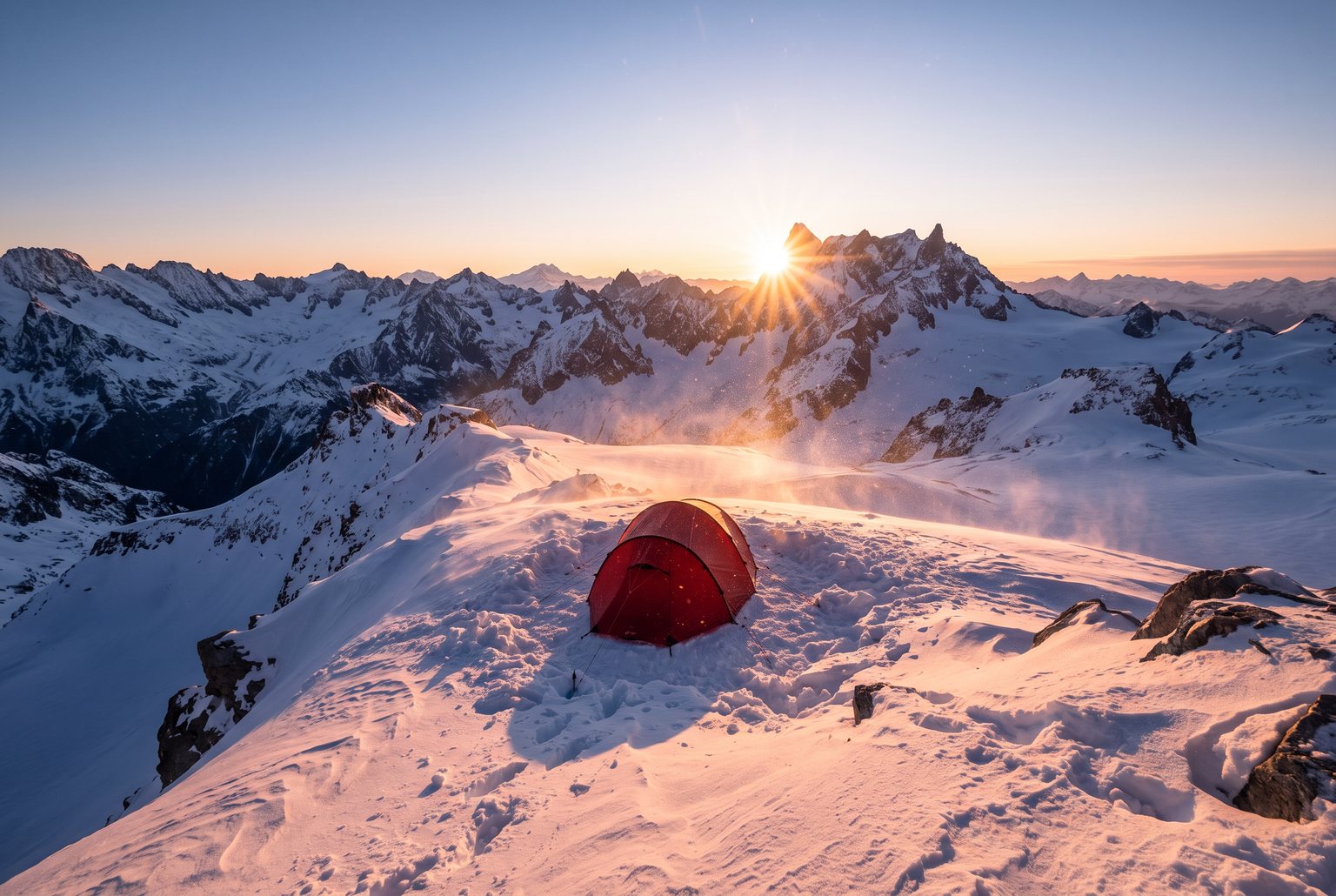
Red tent on a snowy alpine ridge at sunrise
Your images will appear here

An AI Picture Editor That Starts With Your Own Picture

An AI picture editor works on a picture you already have. You upload a picture, write what should change, and keep everything you like. Banana Img puts a free AI picture editor and an AI image changer in one browser workspace, so you can retouch a small detail, swap the setting, or try a completely new look without layers, masks, or brushes. Then compare the result with your original.

What the AI Picture Editor and AI Image Changer Can Do

Most requests fall into two groups. Small fixes, like a color, a stray object, or a lighting tweak, are a job for the AI picture editor. Bigger changes, like a new background, season, outfit, or art style, are where the AI image changer shines. Both run from the same prompt box, so you can switch between the AI picture editor and the AI image changer on the same picture.

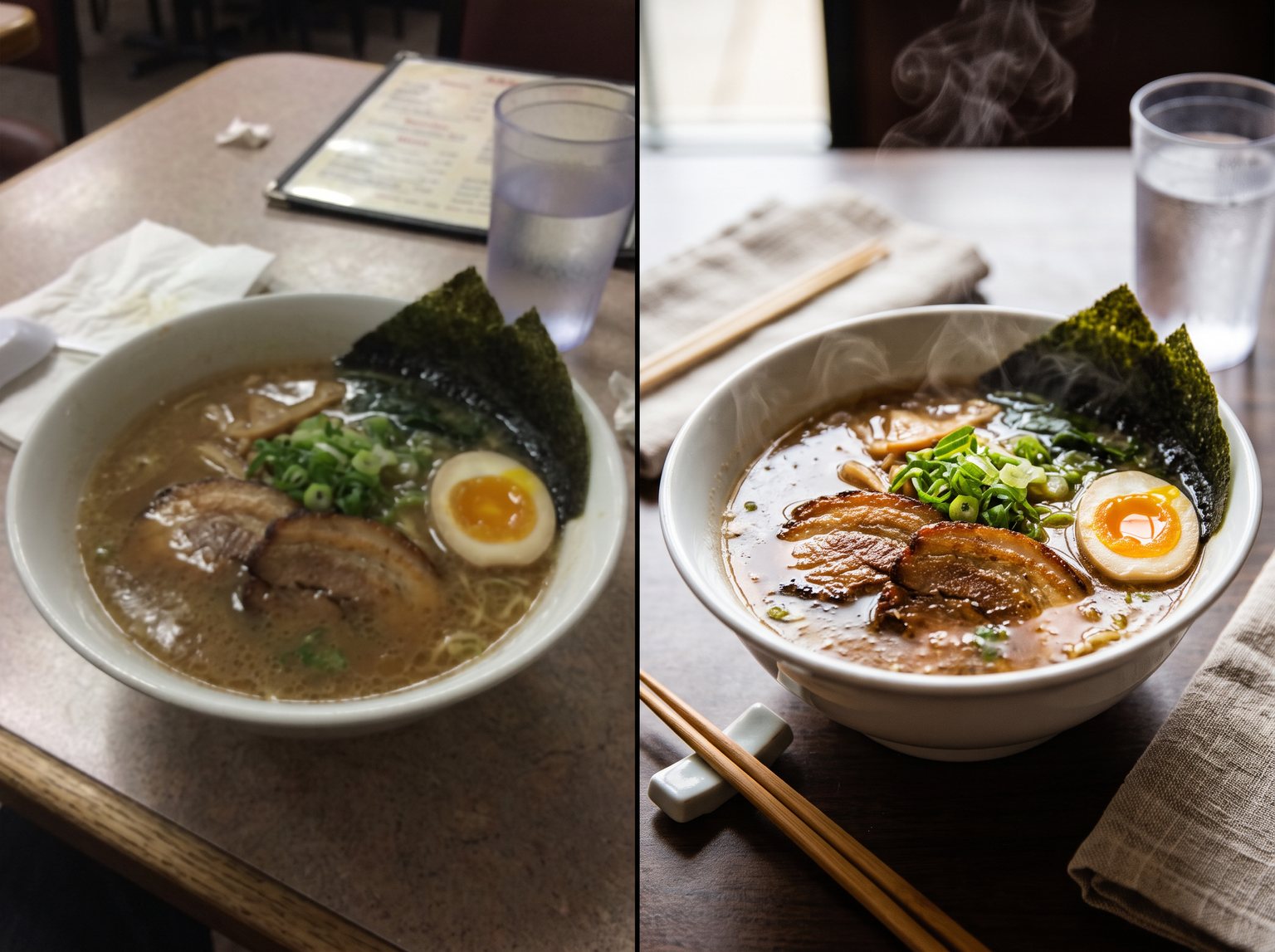
A bowl of ramen shown before and after a cleanup edit

Fix everyday details with the AI picture editor

Remove a coffee cup from a table, recolor a jacket, or tidy a cluttered corner with one sentence. The AI picture editor reads your instruction and changes only the part you describe, while the face, pose, and framing stay close to the original. Name the object, say what should replace it, and the AI image changer fills the space naturally.

Try the AI Picture Editor
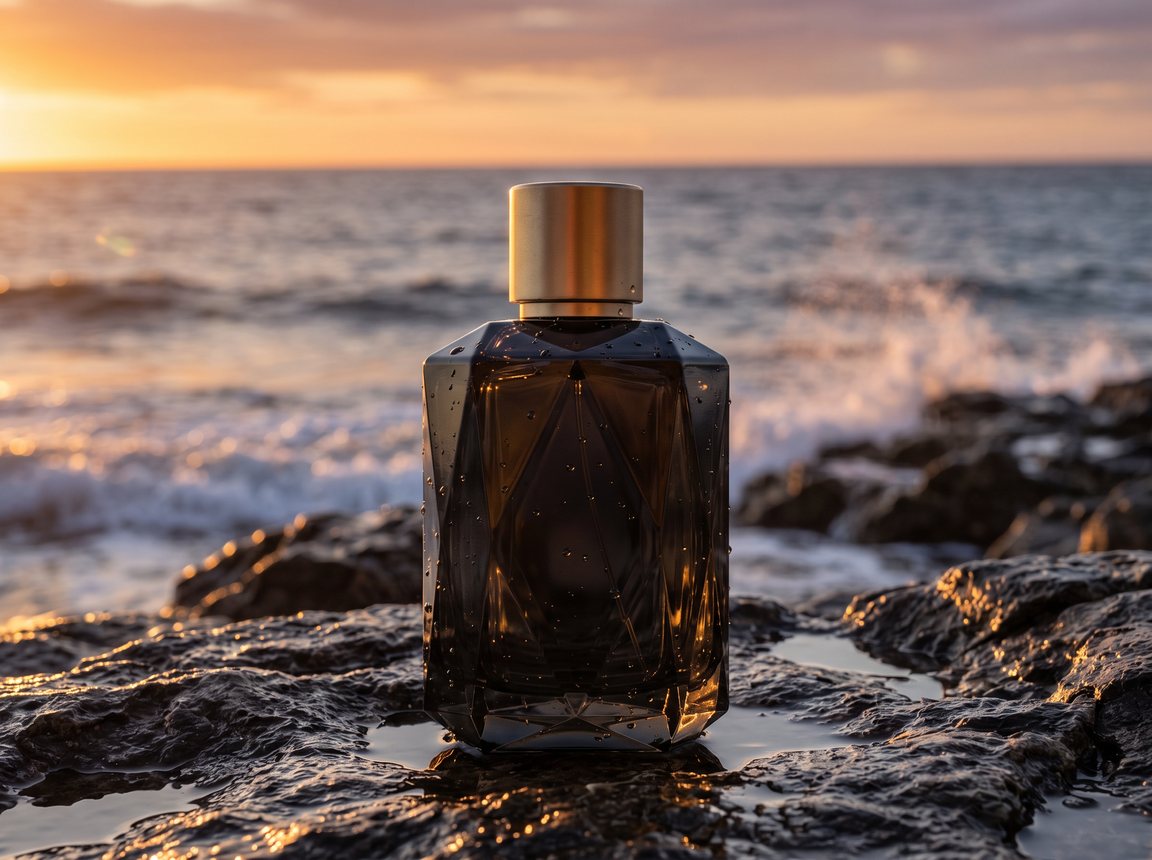
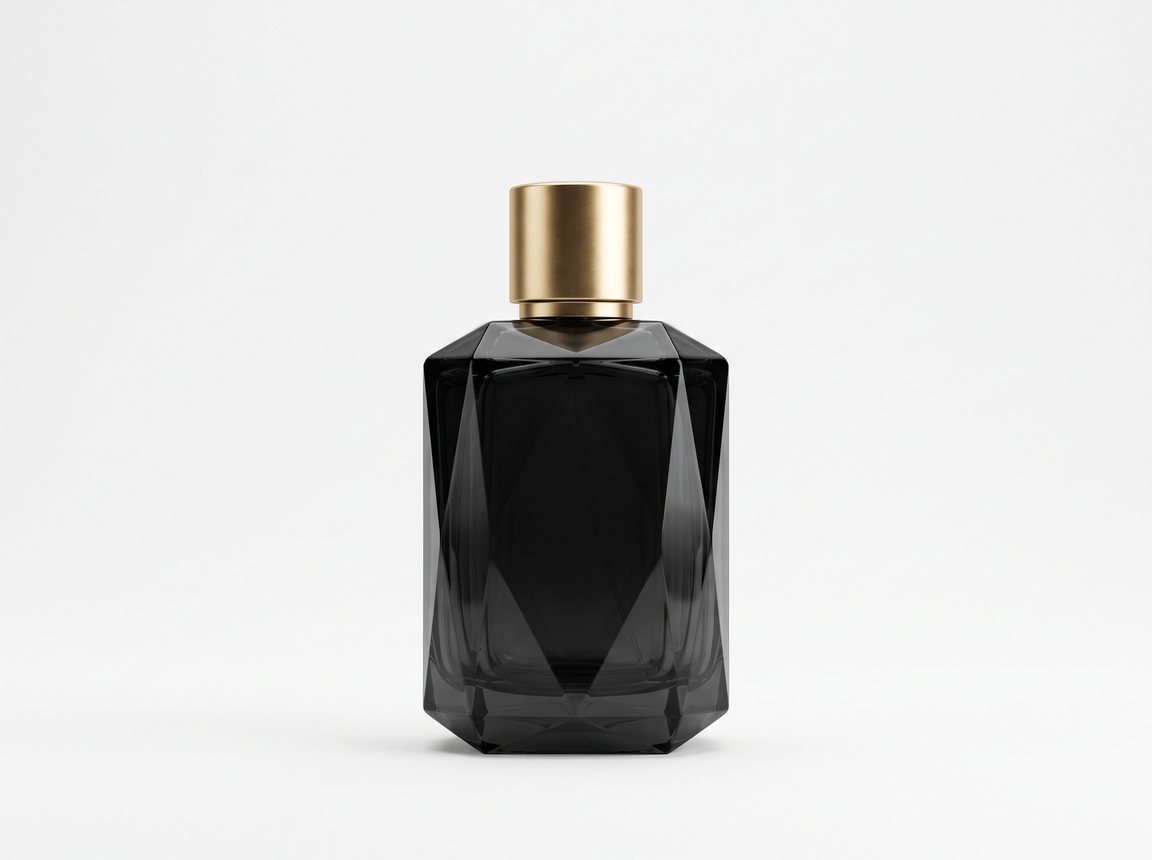
The same perfume bottle on sunlit coastal rocksA black perfume bottle on a plain white backdropBeforeAfter

Change the background or scene with the AI image changer

Put a product on a clean studio backdrop, move a portrait to a sunny street, or turn a summer afternoon into a snowy evening. The AI image changer keeps your subject and rebuilds the setting around it. Because the AI picture editor works from your own upload, the person or product stays recognizable, and you can try several settings.

Try the AI Image Changer
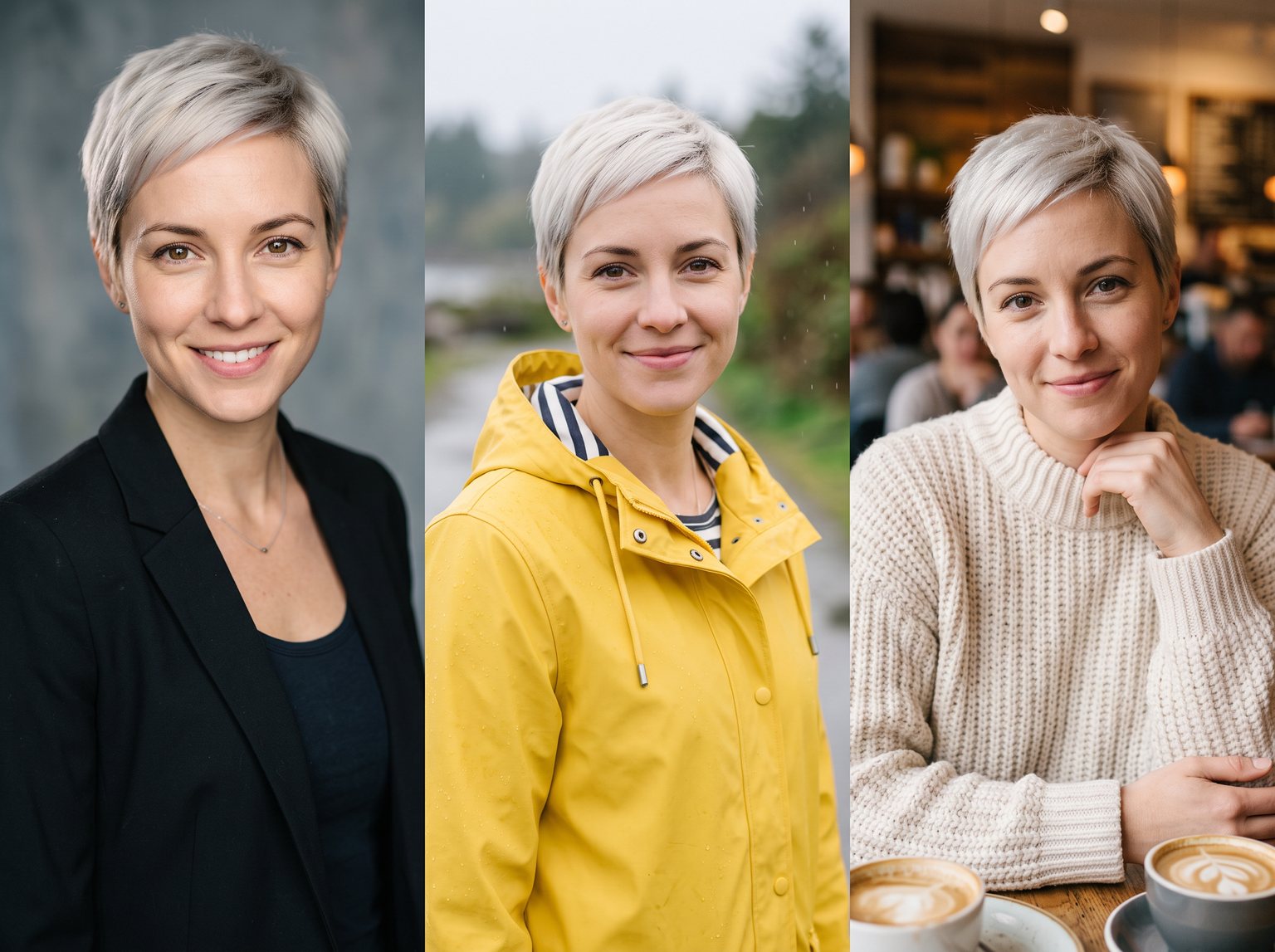
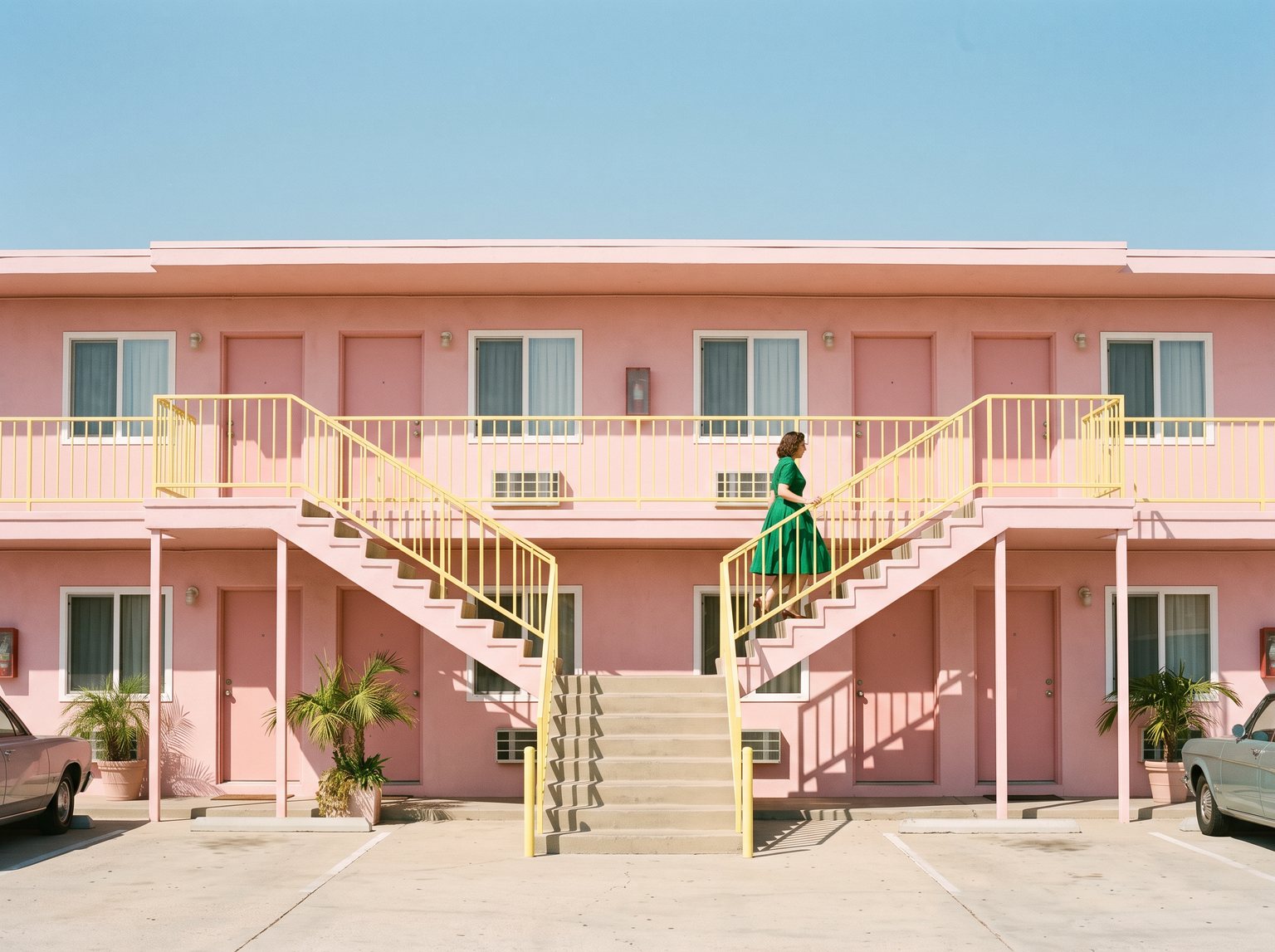
One woman shown in three different outfits and settings

Restyle posts and campaigns with the AI picture editor

Creators and marketers use the AI picture editor to give one picture many looks: a warm film tone for a feed post, a bold poster style for an ad, or a soft pastel version for a story. The AI image changer can also add props, change an outfit color, or match a brand palette. Keep the subject, change the mood, and the AI image changer returns variations that still feel like one campaign.

Try the AI Picture Editor
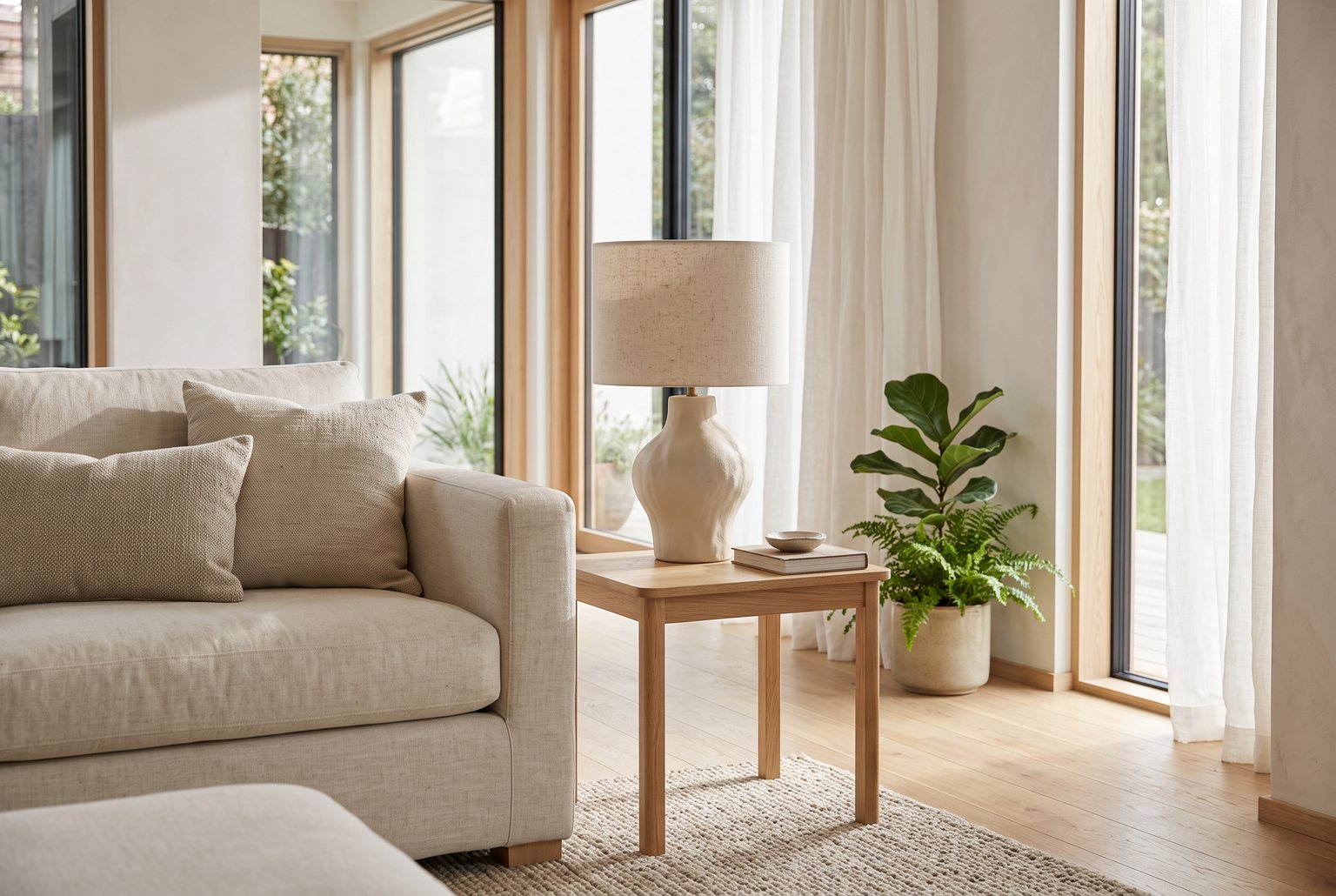
A ceramic lamp moved from a studio shot into a warm living room

Improve light and color with the AI picture editor

Ask the AI picture editor for softer shadows, warmer skin tones, a brighter sky, or a cleaner product surface. You choose the output size, 1K or 2K on any account and 4K on paid plans. When you want a bigger change in mood, such as golden hour or a rainy night, let the AI image changer relight the scene.

Try the AI Image Changer
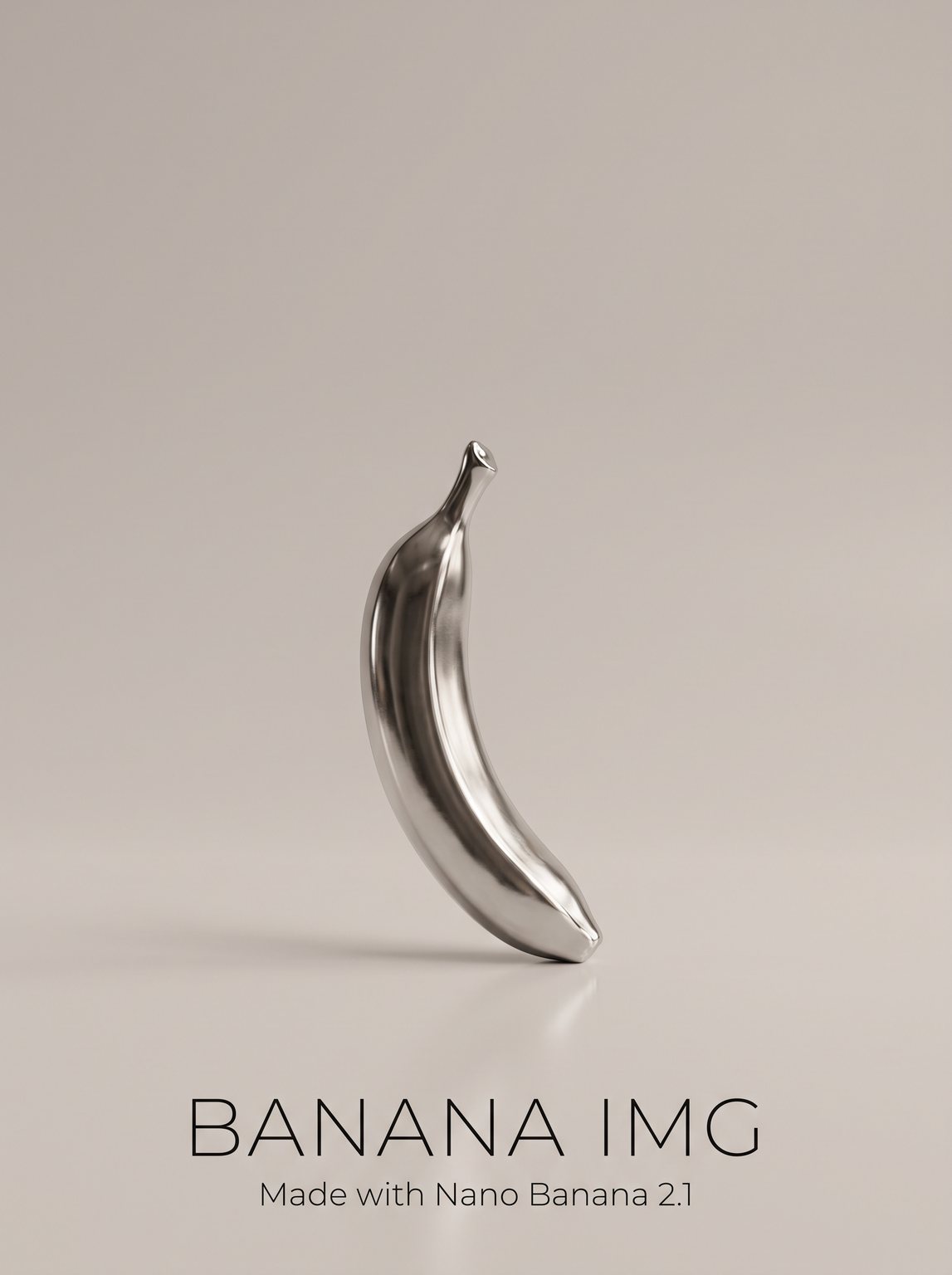
A chrome banana poster with bold printed lettering

Add or replace text with the AI image changer

Turn a photo into a poster, a menu, or an announcement. Tell the AI picture editor the exact words, where they go, and the style you want, such as bold white letters across the top. The AI image changer can also replace an old headline with a new one. Check spelling and spacing before you download, because small text may need a second try in the AI picture editor.

Try the AI Picture Editor

How to Use the AI Picture Editor in Three Steps

Sign in, and the AI picture editor opens in image editing mode.

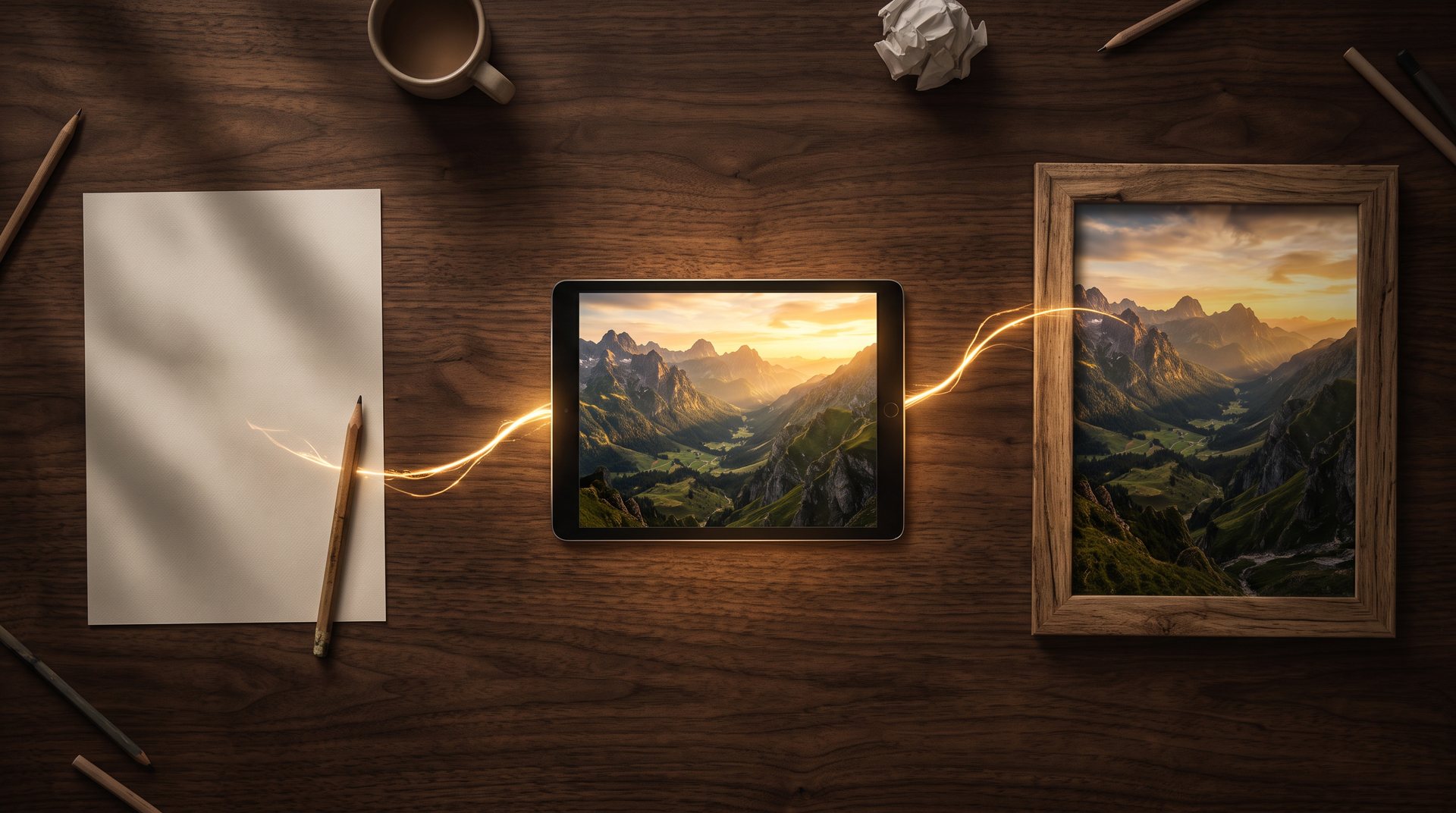
  1. A desk with paper sketches beside a tablet and a framed print

    1. Upload your picture to the AI picture editor

    Click the upload area, drop a file, or paste from your clipboard. The AI picture editor accepts one PNG, JPEG, or WebP picture up to 10MB per edit. A sharp, well lit picture gives the AI image changer the most detail to work with.

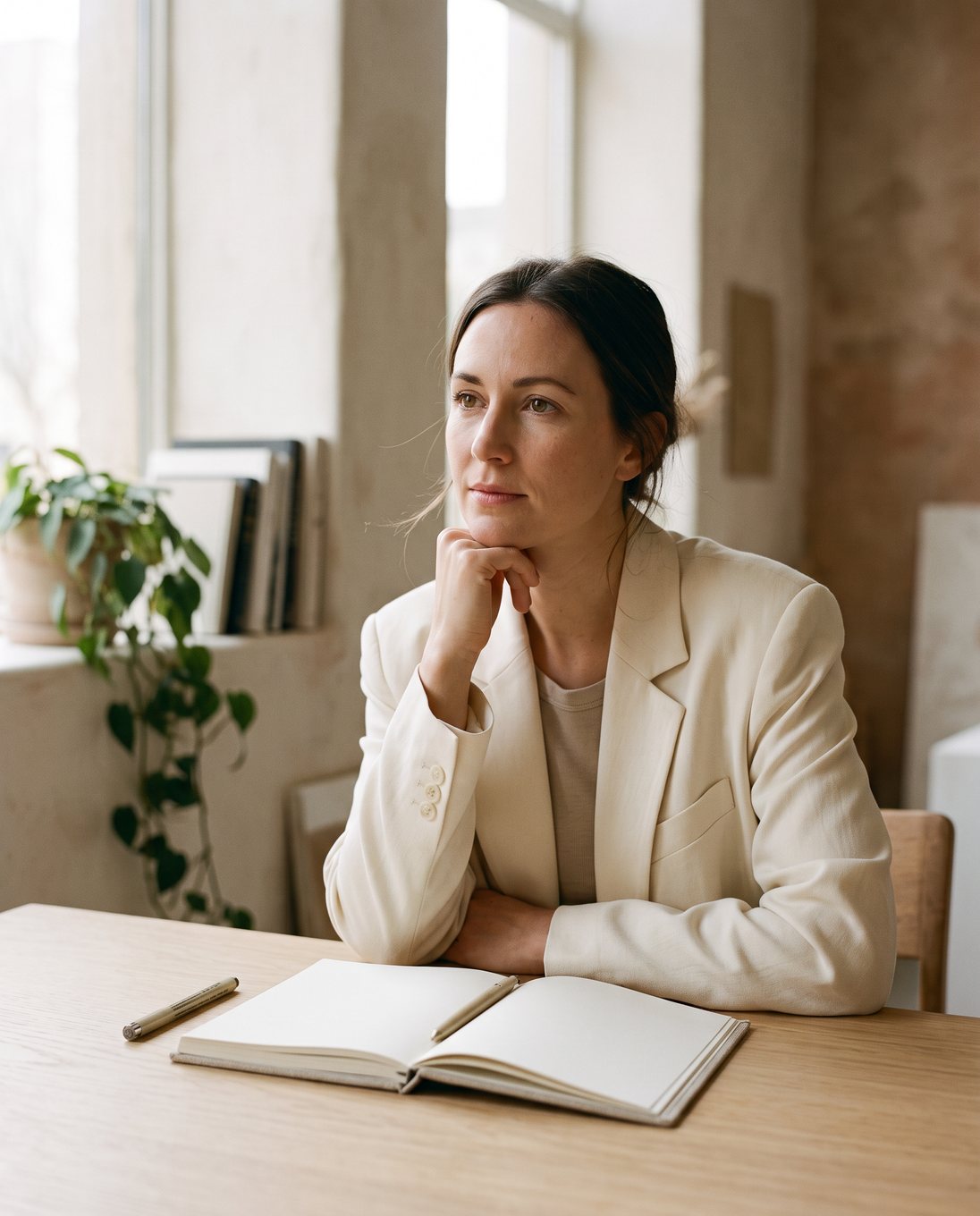
  2. A woman thinking about an idea at a bright desk

    2. Tell the AI image changer what to change

    Write what to change and what to keep, for example: make the sofa dark green and keep the room and lighting the same. Then pick an aspect ratio, a resolution, and how many versions you want. The AI image changer shows the credit cost before you start.

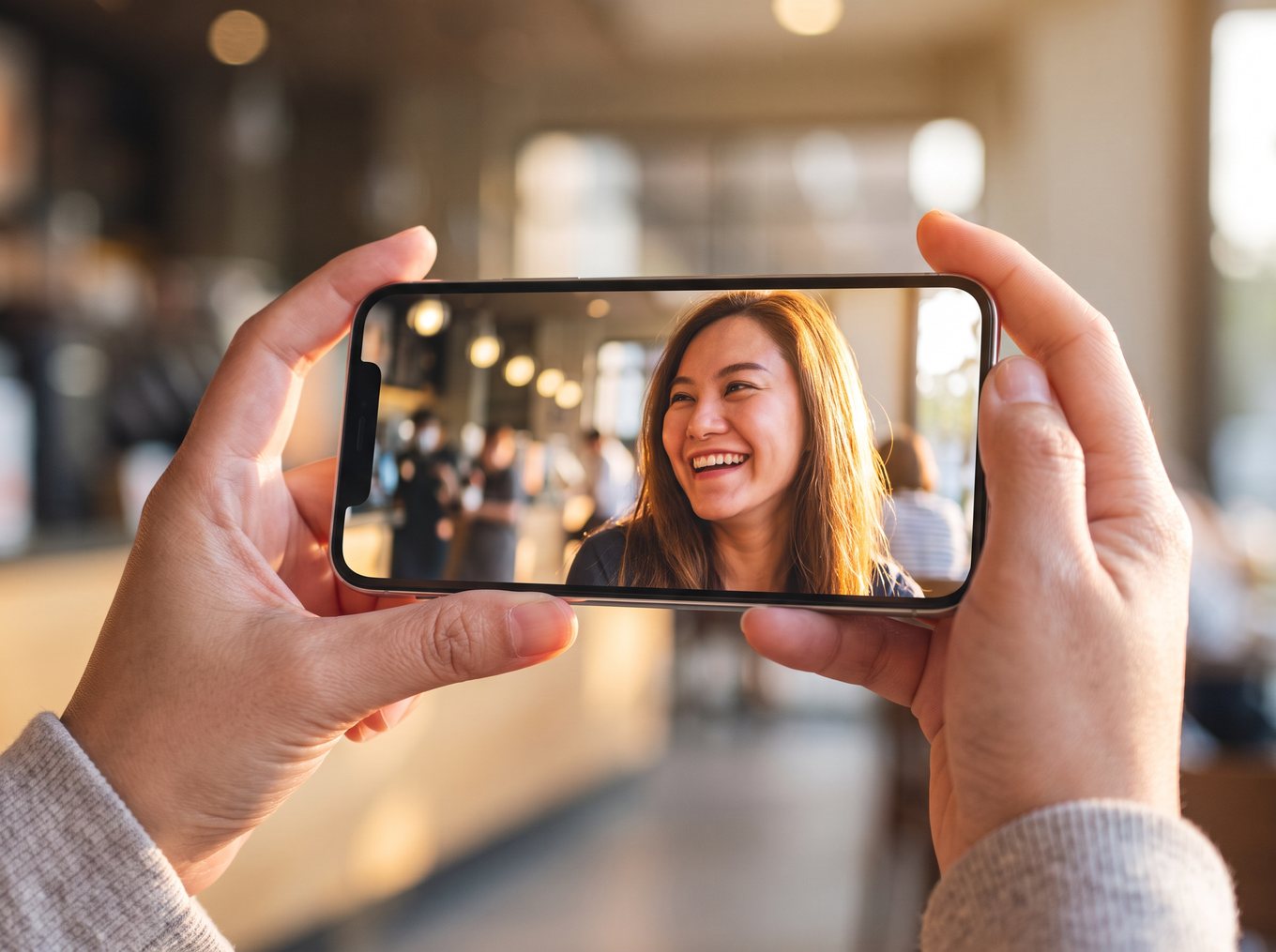
  3. A portrait shown on a phone screen held in one hand

    3. Compare and download

    Results appear next to the form and in My Images. Compare each version with the original picture. If something is off, adjust the prompt and run the AI picture editor again, then download your favorite.

Prompt Ideas for the AI Picture Editor

Clear requests get better results. Click any prompt below to load it into the AI picture editor or the AI image changer, then adapt it to your own picture.

GoalPromptWhat to check
Recolor with the AI picture editorTexture, edges, and the details you kept.
Remove with the AI picture editorThe filled area and nearby shadows.
New background with the AI image changerProduct shape and label text.
New season with the AI image changerSky, light direction, and skin tones.
New headline with the AI picture editorExact wording, spacing, and alignment.
New art style with the AI image changerWhether the subject is still recognizable.

Who Uses an AI Picture Editor and AI Image Changer

Here is how different people use the AI picture editor every day.

AI picture editor for online stores

Test a clean studio background or a seasonal scene with the AI image changer. Keep the shape and label in your prompt, and let the AI picture editor fix small details.

AI picture editor for social media creators

Build a series of looks for one post. Save the version you like, then let the AI image changer try a fresh background for the next post.

AI image changer for marketing teams

Try new colors, settings, and styles on an existing campaign picture. The AI image changer makes quick variations for review, and the AI picture editor polishes the one you approve.

AI picture editor for designers

Share concept edits with clients. Note the prompt and settings for each version so you can explain what the AI picture editor changed and what the AI image changer added.

AI image changer for teachers

Prepare a clear picture for a slide or a lesson. Review any text the AI image changer added, and use the AI picture editor to fix details before class.

AI picture editor for personal photos

Give a family or travel picture a new background, season, or style with the AI image changer, and use the AI picture editor for small touch ups.

Two Models Behind the AI Picture Editor

The AI picture editor runs on two Google image models. Switch models in the menu at the top of the form.

Nano Banana 2.1

The default model. Fast and affordable for everyday edits in the AI picture editor, at 10 credits for 1K, 15 for 2K, and 33 for 4K. A good first choice for the AI image changer.

Nano Banana Pro

Better for complex scenes, groups of people, and fine detail when the AI image changer has a harder job. It costs 34 credits for 1K or 2K and 58 for 4K.

AI Picture Editor FAQ

What is an AI picture editor?

An AI picture editor changes an existing picture based on a written instruction. You upload a picture, describe the edit, and the model makes the change while keeping the rest. It replaces the manual work of selections and layers.

What is the difference between an AI picture editor and an AI image changer?

They are the same tool used in two ways. People say AI picture editor for focused fixes, such as a color or a removed object, and AI image changer for bigger changes, such as a new background, season, or style. On Banana Img both run from one prompt box.

Can the AI picture editor edit a real photo, not just an AI image?

Yes. Upload any photo you have the right to use. A clear subject and good light give the AI picture editor a better starting point.

Which files can I upload?

One PNG, JPEG, or WebP picture up to 10MB per edit. If your file is larger, resize it before you upload it to the AI image changer.

Is the AI picture editor free?

New accounts get 20 free credits, enough for two 1K edits with the 2.1 model, so you can try the free AI picture editor and the free AI image changer before you pay. Free pictures carry a watermark. Paid plans remove the watermark, unlock 4K, and let you keep pictures private.

Do I need an account for the AI picture editor?

Yes. Sign in to use the AI picture editor, so your credits and results are saved to your account.

Can the AI image changer make several versions at once?

Yes. Choose 1 to 4 images per run. Each version costs credits, and the AI image changer shows the total before you start.

How do I keep a face unchanged in the AI picture editor?

Say what must stay the same, such as keep the face and pose unchanged, and limit the edit to one area. The AI image changer follows these instructions closely, but compare small details with the original.

Can the AI image changer remove objects or replace the background?

Yes. Name the object or background and say what should take its place. For a removal, describe the surface behind it so the AI picture editor knows how to fill the gap.

Can I run the AI picture editor on a result again?

Yes. Open a result in My Images and choose edit. The AI picture editor uses that version as the new starting picture.

Can I use the AI picture editor on my phone?

Yes. It runs in any modern mobile browser, so you can use the AI image changer without installing an app.

Where does the AI picture editor save my pictures?

Every result is saved in My Images, ready to view and download. Free pictures are public by default and may appear in the public gallery, and paid plans can turn that off.

Start With the AI Picture Editor

Upload a picture, write one clear change, and see what the free AI picture editor and the AI image changer can do with it.

Start the AI Image Changer